Fidelity
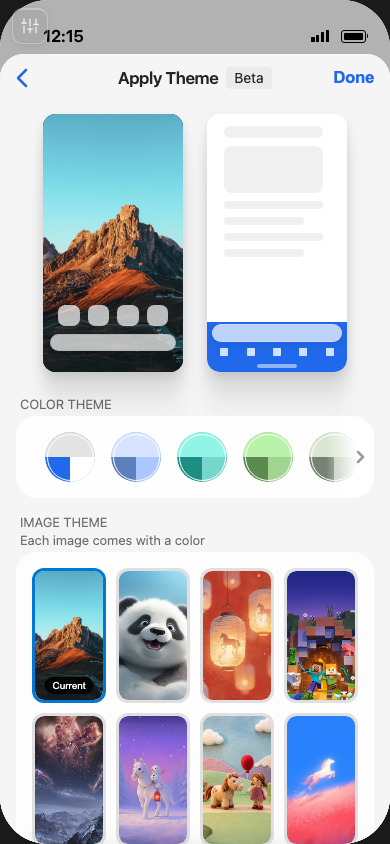
Keep emOS aligned with the native product so ideas start from a realistic baseline.
Microsoft Edge
Building a workspace
for product exploration
Meng Li · Edge Mobile · September 2026
emOS is an interactive web model of Edge Mobile, with connected pages and interactions.
PMs and designers can try an idea in product context before native implementation begins.
The ambition: approach the native experience while keeping the speed of web iteration.
The plan had three parts: fidelity, accessibility, and evaluation.
Keep emOS aligned with the native product so ideas start from a realistic baseline.
Help PMs and designers explore with agents, design context, and guided workflows.
Develop ways to assess concepts through scenarios, flows, and interaction comparison.
Studio turns the model into a workspace for product exploration.
A focused workspace for native product exploration,
powered by the agent and tools on your computer.
The product model
The workspace for exploring ideas
Direct the agent in the Console. Experience the result in the Playground.
Describe the change and attach Figma context.
High-level schematic · Activity spans all projects · The Playground shows one source or a side-by-side comparison

The question and
the conversation
A stable point
of comparison
The change
you can try
Reflect the latest native experience.
Review fixes and reusable improvements.
Maintain a trusted starting point.
Pin a known baseline revision.
Give each project its own branch and worktree.
Keep or share the ideas worth revisiting.
The baseline must evolve. Existing experiments need a stable reference.
Studio makes baseline updates explicit. Experiments stay separate from reviewed baseline contributions.
| Studio concept | Underlying tool | Studio’s role |
|---|---|---|
| Agent conversation | Coding-agent CLIs | Connect context, runs, and approvals |
| Independent project | Git branch + worktree | Isolate each idea and pin its baseline |
| Saved revision | Git commit + durable reference | Record an exact checkpoint |
| Design context | Figma API + local snapshot | Attach the design inputs to the work |
| Submit & feedback | GitHub branch + Issue or draft PR | Review and coordinate sharing |
The UI directs and presents the work. SQLite preserves local workflow state.
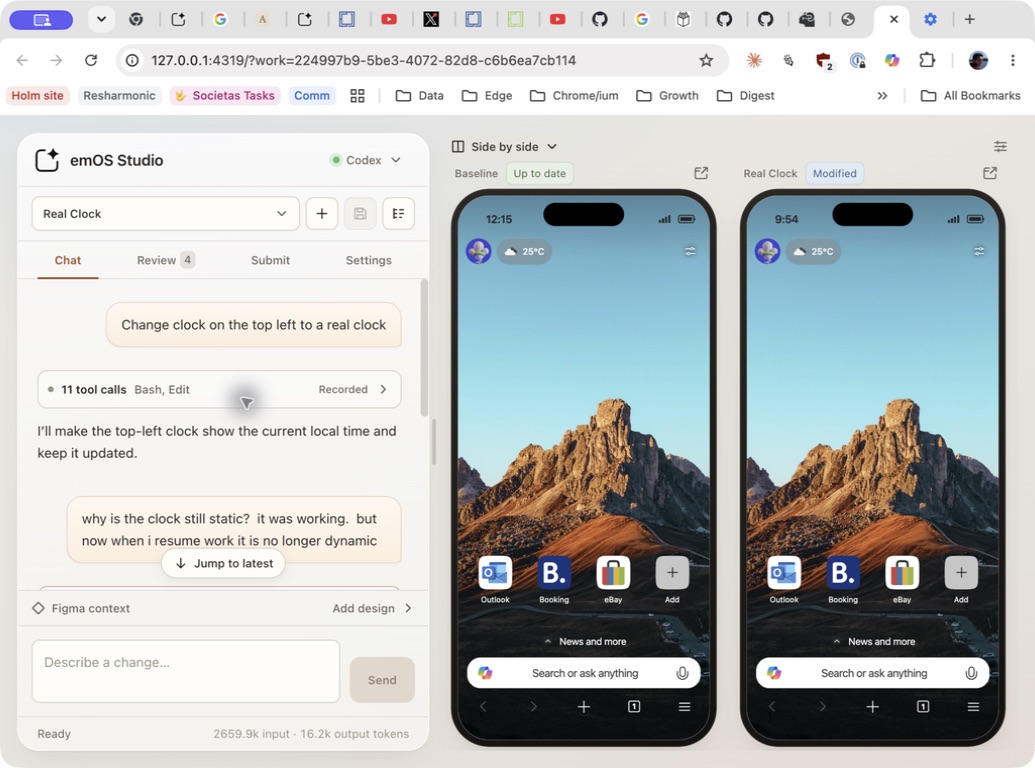
“Change clock on the top left to a real clock”
Replace the static time with a live clock.
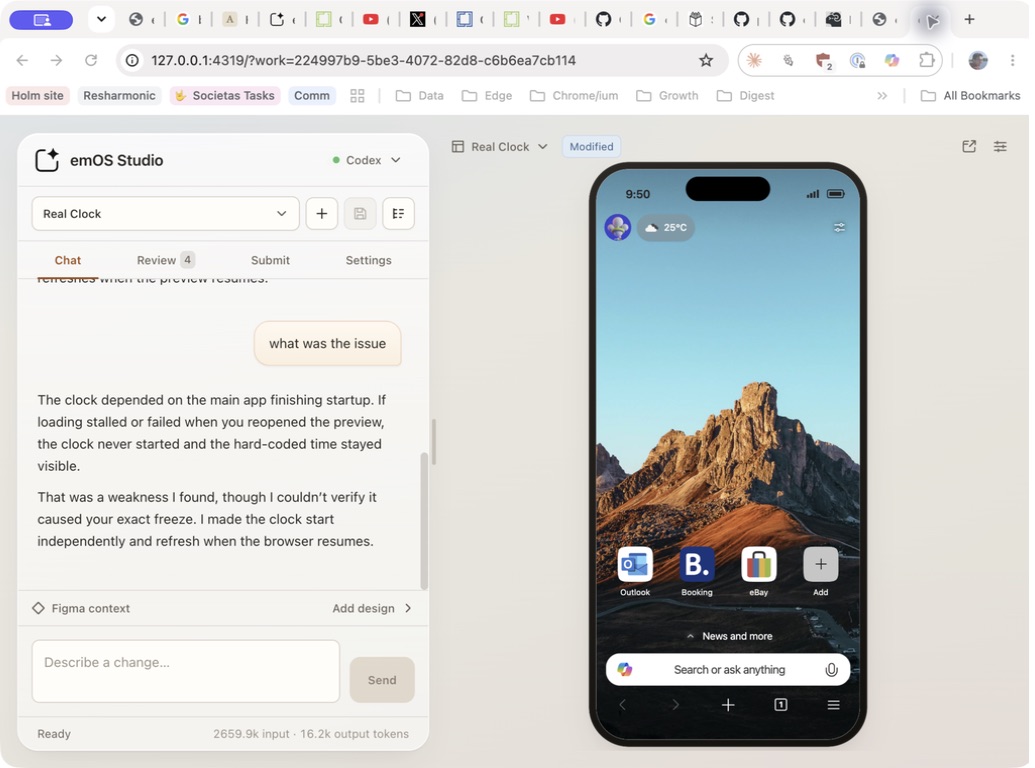
The clock appeared static after reopening.
Investigate startup and resume behavior.

The first editing loop grew into a persistent workspace around existing tools.
Chat drives an agent.
Changes appear in the preview.
Independent projects.
Saved revisions and recovery.
Concurrent runs and comparison.
Figma context and focused tabs.
The shell grew around the work: context, comparison, revisions, and recovery.
Studio owns the workflow and presentation. The agent uses existing tools and skills to do the work.
Optimize for native product exploration on emOS, with its product context and review loop.
Keep intent, progress, results, and refinement in the Console and Playground.
Abundant tokens. An always-available agent.
New capabilities can come through agent tools and skills while Studio stays focused on the workflow.Studio’s workflow would connect exploration with implementation and verification.
Try ideas in context.
Compare and refine.
Assess the result.
Agree acceptance criteria.
Build the chosen behavior
in Edge codebases.
Check native Edge against
the approved behavior.
Production changes feed back into the emOS baseline for the next experiment.
Target workflow · Experiment evaluation is unvalidated. The production handoff and baseline feedback loop remain open.
Studio should connect agents and dedicated systems to a clear workflow.
| Workflow | Proposed external execution | Studio workflow to build |
|---|---|---|
| EvaluationNo validated system yet | Dedicated system TBD. FSQ is an unvalidated candidate. | Choose the revision and criteria. Present evaluation evidence. |
| Keep the baseline current | Inspect production drift and propose updates. | Schedule checks and review proposed baseline updates. |
| Precise UI refinement | Apply a focused change to a selected element. | Select the target and present the change for review. |
| Production handoff | Implement with Dragon. Verify with FSQ. | Package approved intent and track delivery. |
| Demo productionValue-add workflow | Record and edit a journey with media tools. | Choose a revision and review the resulting video. |
Studio provides the controls and review surfaces around the agent’s work.
Like the circuitry inside a device, powerful agent capabilities can sit behind a simple user experience.
It forces a deeper understanding of the workflow, its abstractions, and its information architecture.
A concrete scenario makes the goals and gaps easier to identify.
How to generalize beyond it remains uncertain.
AI is not a tool, AI is a workflow
Which Studio POVs would you keep, change, or reject?
What real scenario supports or challenges those POVs?
Which evaluation systems have you used that Studio could build on?